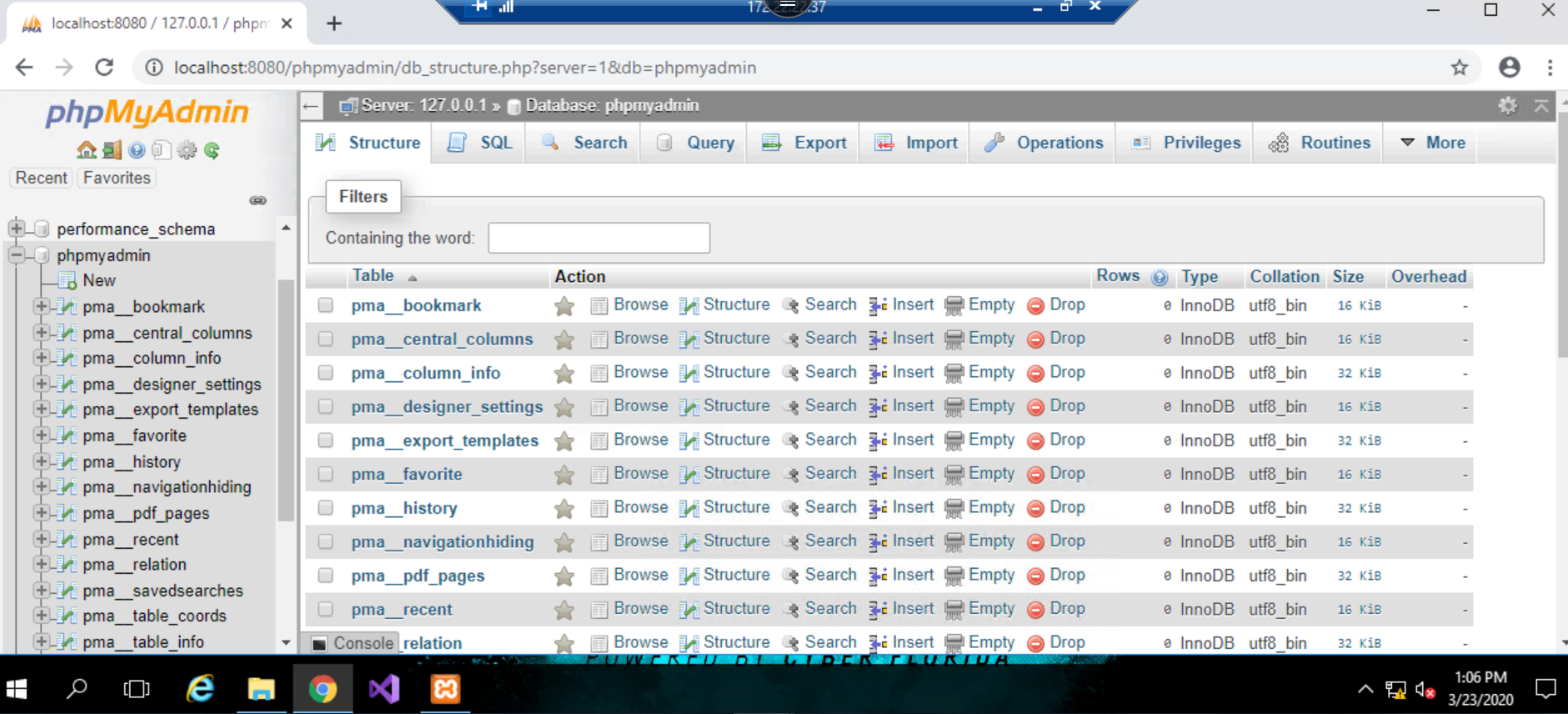
Open xampp and it would open the below dialog box
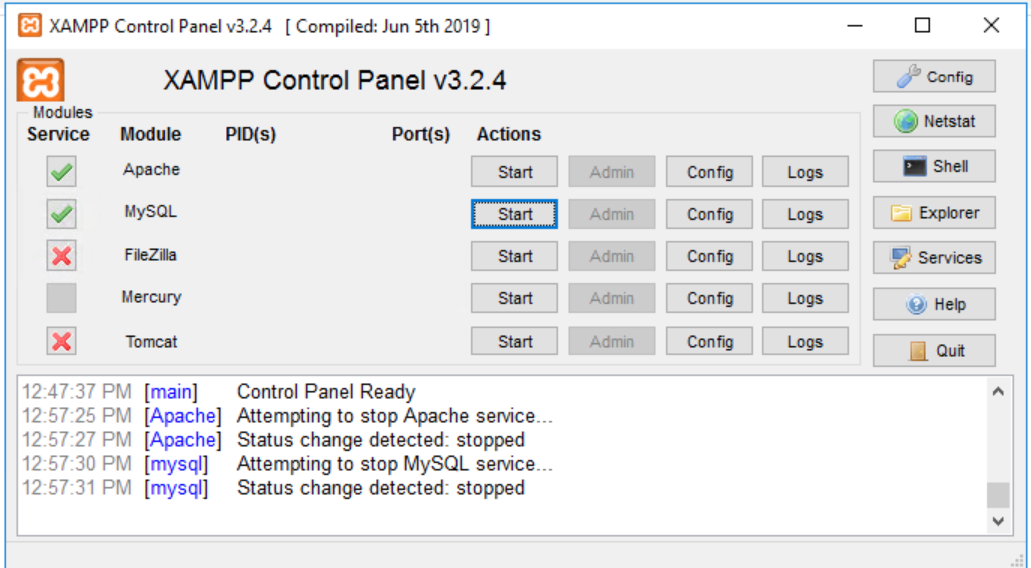
Start the services "Apache" and "MySQL" by clicking the start button
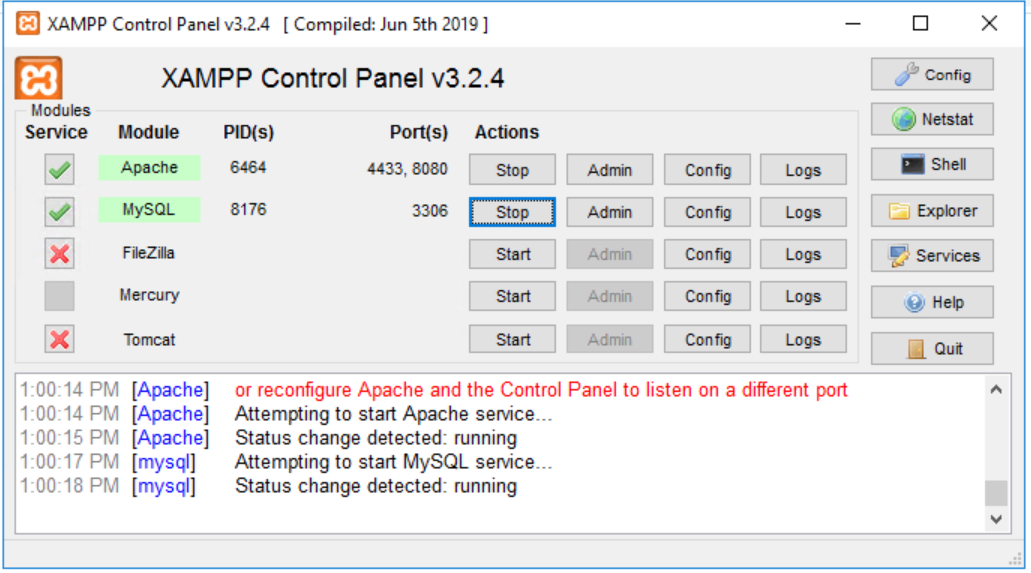
In the above image, you could see that both the services are started and running.
Make sure the services are in running state.
Open the browser and use the below link to access "phpmyadmin"
http://localhost:8080/phpadmin
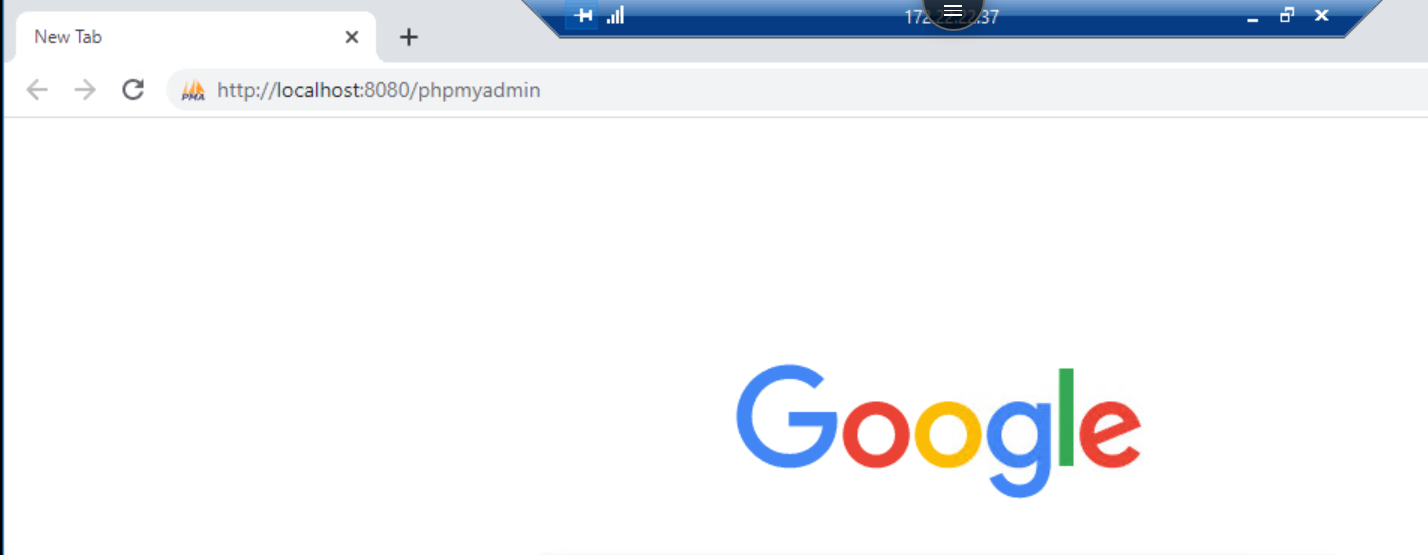
When you use the link mentioned, you will see the below page
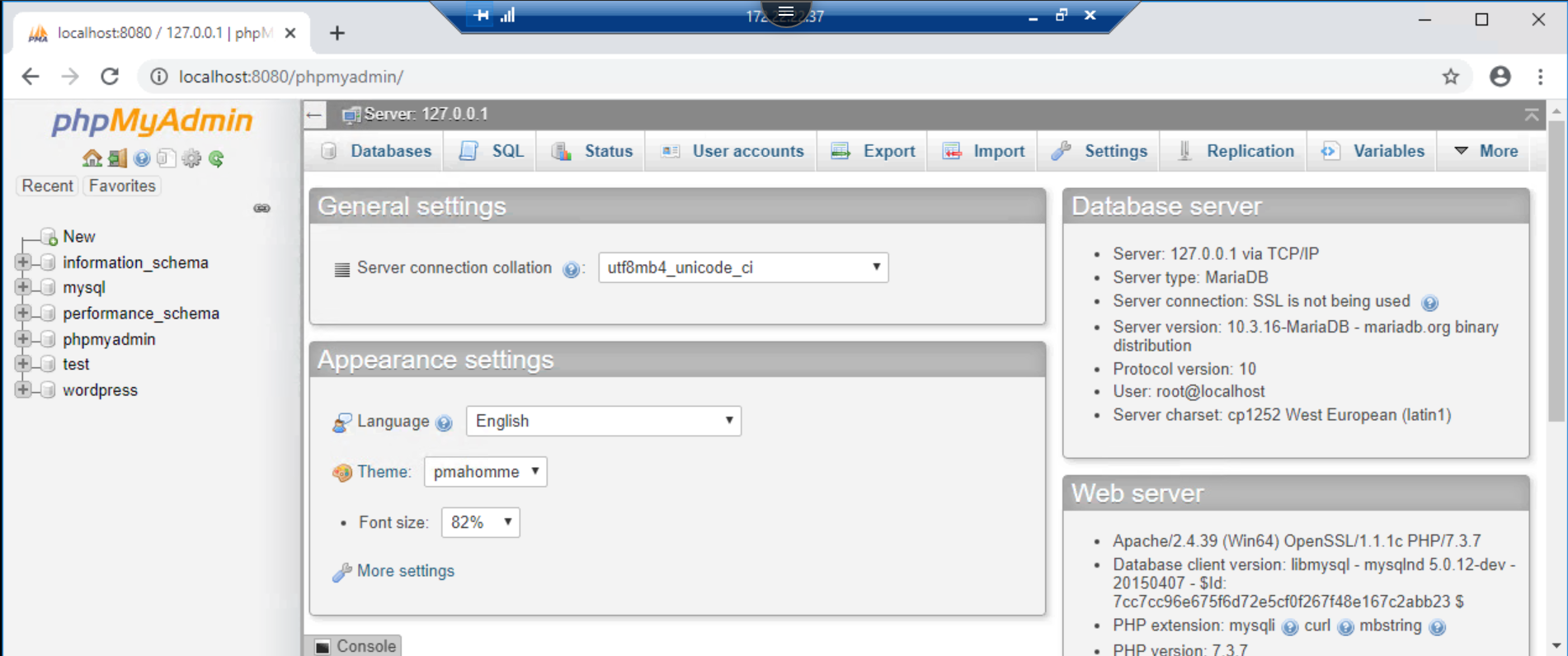
On the left-hand pane - Access phpmyadmin
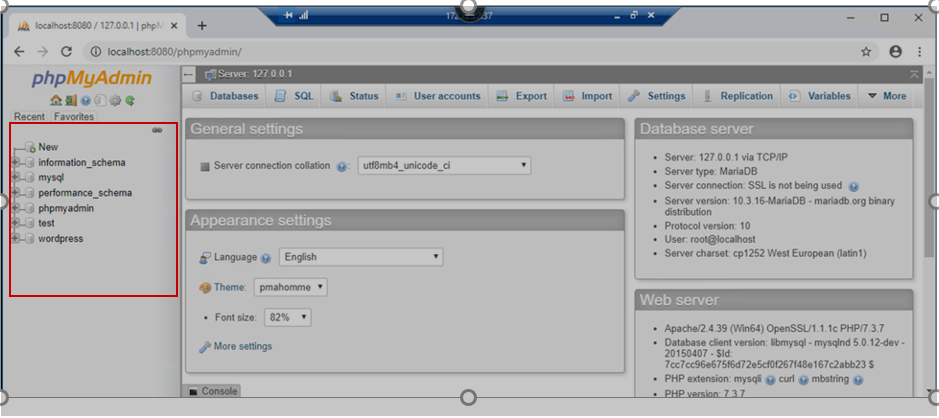
Upon expanding the phpmyadmin you would see a screen similar to the one shown below